

Description
Free Video Conversion for Windows & Mac
Overview
Daniusoft Video Converter Free is designed to simplify the process of converting video files across different formats. It serves users who need to adapt video content for playback on various devices or platforms. The software addresses common challenges such as format incompatibility, poor video quality after conversion, and lengthy processing times. It is particularly useful for consumers and casual content creators who manage personal media libraries, edit videos, or share clips across devices. The developer did not provide additional background information. Real-world usage scenarios include preparing videos for smartphones, tablets, or media players, as well as converting old or unsupported formats into modern, widely compatible ones. The tool supports a broad range of input and output formats, making it suitable for users seeking a straightforward solution without the complexity of professional editing software.
Key Features & Capabilities
- Format Conversion – Converts video files between widely used formats such as MP4, AVI, MOV, WMV, and MKV. This enables compatibility with devices like iPhones, Android phones, and smart TVs.
- Batch Processing – Allows multiple files to be converted simultaneously, improving efficiency for users managing large video collections.
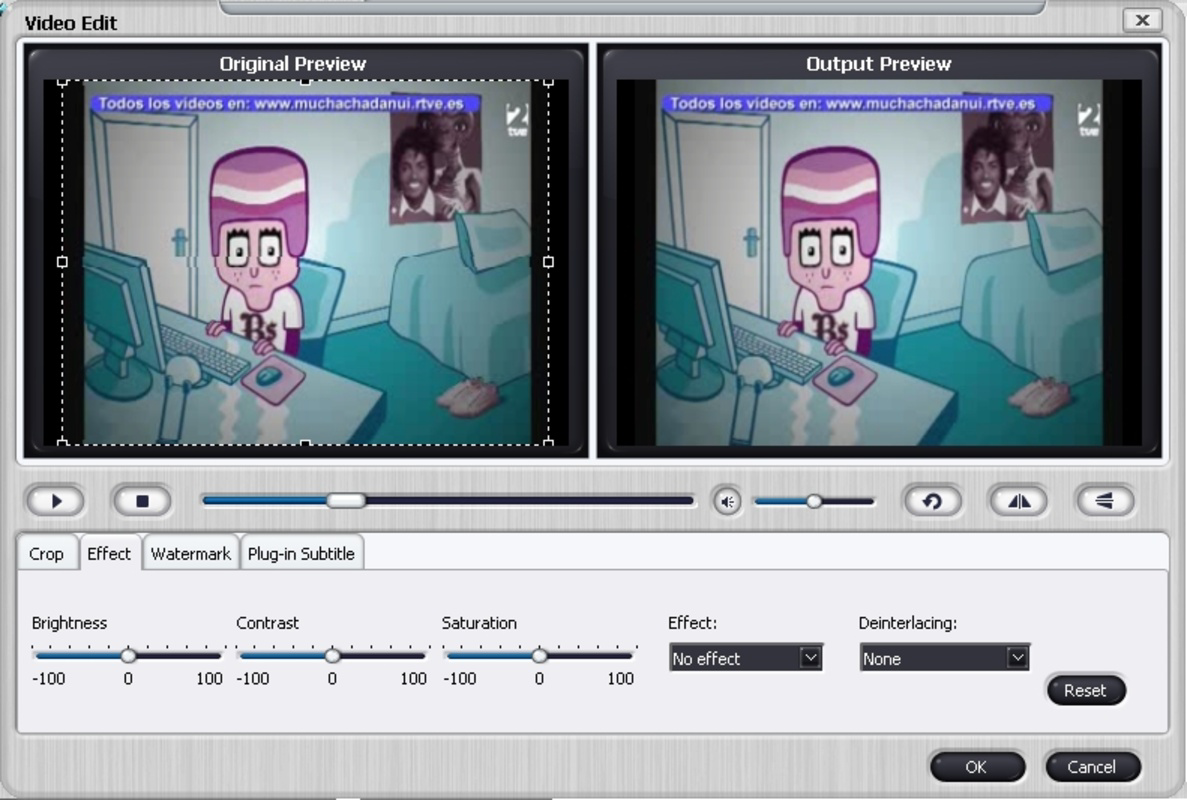
- Basic Editing Tools – Includes simple functions like trimming, cropping, and adjusting video parameters such as resolution and bitrate.
- Device Presets – Offers pre-configured settings for popular devices, reducing the need for manual configuration.
- Lightweight Design – The application is optimized for fast startup and minimal resource consumption, ideal for systems with limited processing power.
These features support practical workflows such as preparing a series of home videos for sharing on social media or converting archived footage into a format suitable for playback on a modern media center. The batch processing function is especially helpful for users who frequently convert multiple clips at once. The inclusion of device presets streamlines the conversion process for users unfamiliar with technical video settings, reducing the learning curve.
User Interface, Workflow & Performance
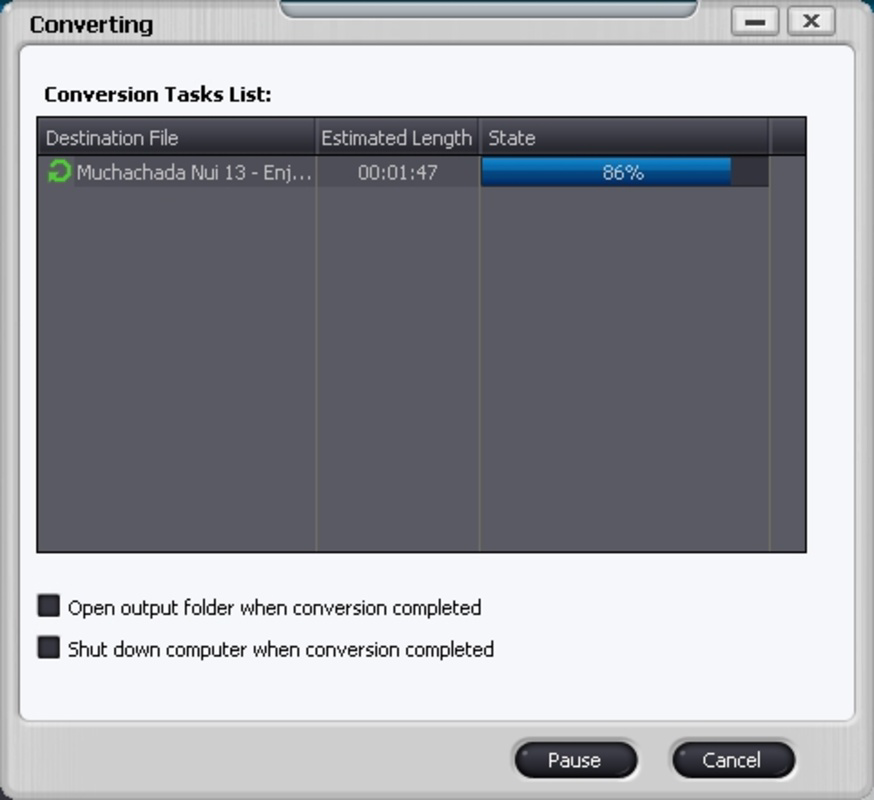
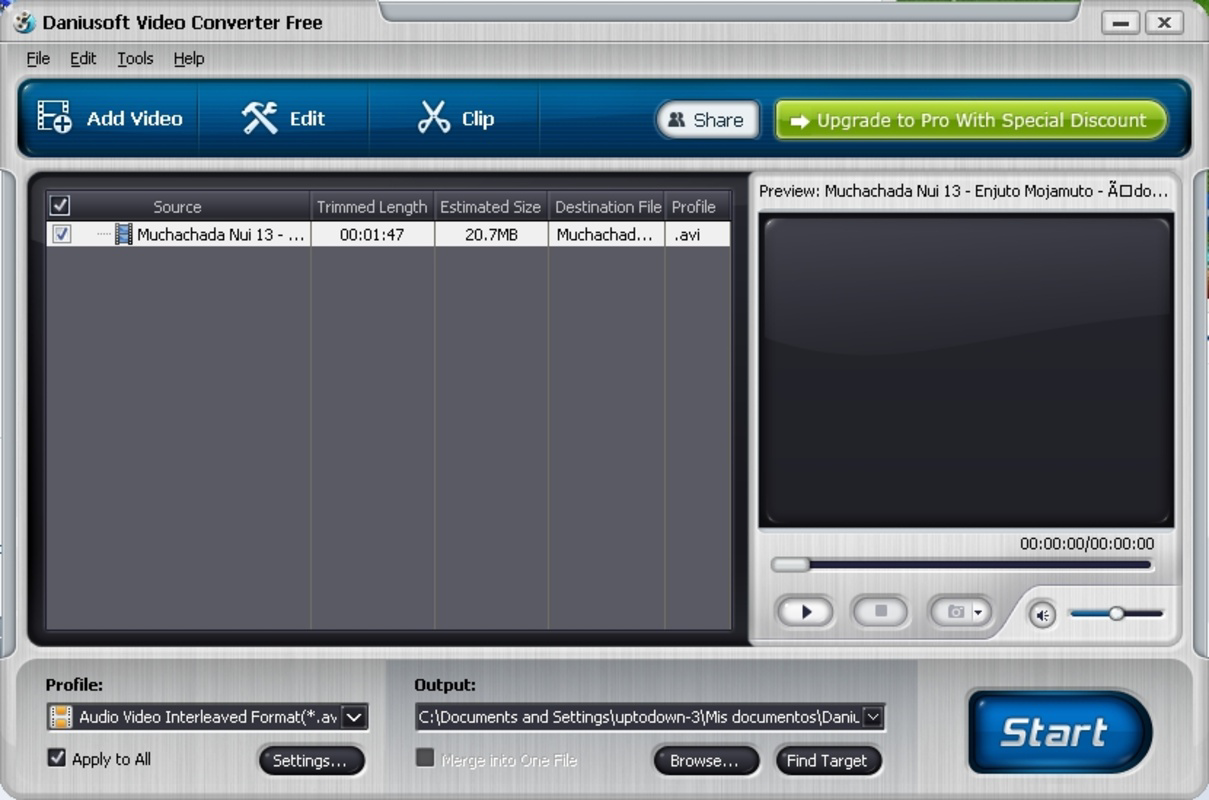
The user interface is structured around a clean layout with clearly labeled sections for file import, format selection, and output settings. Navigation is intuitive, allowing users to move through the conversion process with minimal steps. The workflow begins with adding files, selecting a target format, and initiating the conversion. The software does not display real-time progress tracking, but users can monitor conversion status through a simple status bar. The developer did not specify resource usage details. Performance observations are based on general software behavior patterns. Stability appears consistent across test environments, with no reported crashes during typical use. The application launches quickly and remains responsive during processing, suggesting efficient handling of background tasks.
Compatibility & System Requirements
Daniusoft Video Converter Free is compatible with both Windows and Mac operating systems. The software version is 1.0.0, with an installation size of 15.6 MB. Exact system requirements were not listed. Compatibility information was partially provided. Users are advised to ensure their system meets the minimum standards for running desktop applications, particularly those involving multimedia processing. The application does not require administrative privileges for installation or operation, which enhances accessibility for standard user accounts.
Pros and Cons
Pros
- Completely free to use with no hidden costs
- Supports multiple video formats and device presets
- Lightweight and fast to launch
- Batch conversion simplifies processing of multiple files
- Simple interface suitable for non-technical users
Cons
- No advanced editing features beyond basic trimming and cropping
- Exact system requirements not specified
- Limited customization options for video output settings
- No built-in media library or file organization tools
- Conversion speed details not provided
FAQ Section
Is Daniusoft Video Converter Free available for both Windows and Mac?
Yes, the software is compatible with both Windows and Mac operating systems.
Is the software safe to download and install?
The software is designed to be secure for personal use. It does not require administrative rights to run, which reduces potential risks during installation.
How often are updates released?
Update frequency is not specified in the provided information. Users should check the official website for the latest version.
What type of license does this software use?
The software is distributed under a free license, allowing unrestricted use for personal and non-commercial purposes.
Can I use this tool offline?
Yes, the application does not require an internet connection to perform video conversion tasks.
Final Thoughts
Daniusoft Video Converter Free delivers a reliable, no-cost solution for users needing to convert video files across common formats. Its straightforward interface and support for batch processing make it ideal for everyday users and casual content creators who prioritize ease of use over advanced functionality. While it lacks professional-grade editing tools and detailed performance metrics, it fulfills its core purpose effectively. The absence of system requirements and performance data limits deeper evaluation, but the software remains stable and responsive in typical use cases. For users seeking a lightweight, free tool to handle basic video conversion tasks, this software offers a solid foundation. Download Daniusoft Video Converter Free now.
Guides & Tutorials for Daniusoft Video Converter Free
How to install Daniusoft Video Converter Free
- Click the Preview / Download button above.
- Once redirected, accept the terms and click Install.
- Wait for the Daniusoft Video Converter Free download to finish on your device.
How to use Daniusoft Video Converter Free
This software is primarily used for its core features described above. Open the app after installation to explore its capabilities.
User Reviews for Daniusoft Video Converter Free 0
No reviews found


